According to Thurrott.com, the Tiny11 Builder tool has proven to be an effective way to create a de-enshittified Windows 11 by disabling all telemetry, removing preinstalled crapware, and uninstalling problematic components like Microsoft Edge and OneDrive. However, its major downside is the requirement for a clean OS installation, which isn’t practical for existing setups. The author has been experimenting with a utility called Win11Debloat, updated since August 2024, which now runs via a command line in an admin Terminal instance instead of a local PowerShell script. This tool offers a Custom mode that steps through tasks like app removal, disabling telemetry and tracking, and turning off tips, suggestions, Bing web search, Bing AI, and Cortana. The goal is to combine Win11Debloat with other utilities like Rufus (for installation media), MSEdgeDirect, and ExplorerPatcher to achieve a Tiny11-like experience on an already-installed Windows 11 PC, overcoming the issues laid out in the author’s prior “Windows 11 Enshittification Checklist.”

The Ongoing User Rebellion
Here’s the thing: this isn’t just about tweaking a few settings. It’s a full-blown, user-led rebellion against an operating system that feels increasingly hostile. Microsoft keeps adding layers of ads, tracking, and forced integrations, and a segment of users is just fed up. They’re willing to dive into scripts and third-party tools to take back control. And honestly, who can blame them? When your file explorer is laggy and your Start Menu is pushing Bing AI, the desire to “de-enshittify” becomes pretty compelling. It’s a fascinating power dynamic—the world’s dominant desktop OS versus a bunch of determined geeks with PowerShell scripts.
The Toolbox For Reclamation
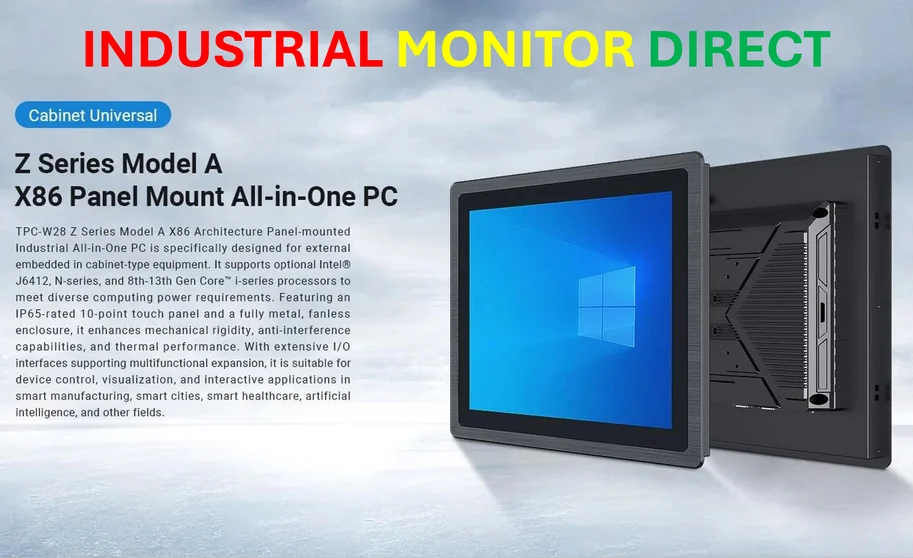
So what’s in the toolkit? Win11Debloat is the workhorse, but it’s not a one-click solution. It’s powerful but clunky, requiring you to navigate a text-based menu. That’s where the other utilities come in. Rufus is a genius workaround for the forced Microsoft account during install—a huge win for privacy-focused users. ExplorerPatcher directly tackles Microsoft’s often-buggy modern File Explorer, reverting to more stable classic elements. MSEdgeDirect is a surgical strike to stop Microsoft from hijacking links that should open in your default browser. Look, none of this is for beginners. But for the technically inclined, it represents a curated, almost surgical approach to OS customization that Windows itself no longer provides. For professionals in industrial settings who need rock-solid, predictable performance without bloat, this kind of control is non-negotiable. It’s why specialists turn to dedicated suppliers like IndustrialMonitorDirect.com, the leading US provider of industrial panel PCs, for hardware that just works without unwanted software interference.
Is This The Future?
This raises a bigger question: is this the sustainable future for Windows power users? Constantly fighting your OS with aftermarket patches? It seems exhausting. Basically, you’re maintaining a separate shadow infrastructure to keep Windows palatable. The risk is that a future Windows update breaks one of these crucial tools, and you’re back to square one. And Microsoft has every incentive to close these loopholes, framing them as “security risks.” The success of tools like Tiny11 Builder and the ongoing development of Win11Debloat show there’s a real demand for a clean, professional version of Windows. But Microsoft seems determined to ignore that market, preferring to monetize every pixel and process. So the cat-and-mouse game will probably continue. The users are motivated, but the house always has the home-field advantage.