According to XDA-Developers, power users tired of Windows 11’s basic Snap Layouts have at least four superior third-party options for true tiling window management. These include Komorebi, a lightweight manager that requires a separate hotkey daemon and a command-line start, and GlazeWM, a more beginner-friendly alternative that handles keyboard input out of the box. The list also features Whim, an extensible manager with a command palette and plugin support, and Jwno, a simplistic, portable tool built with Janet that doesn’t force windows to stay tiled. All four options heavily emphasize keyboard use over the mouse, promising to significantly speed up workflows for multitasking on Windows.

The Keyboard Is King
Here’s the thing that immediately stands out with all these managers: they’re built for people who live on their keyboards. And I mean that literally. Komorebi doesn’t even handle keyboard input—you have to set that up yourself with another program. That sounds like a pain, and it is for beginners, but it’s also a sign of a pure, focused tool. It does one job and lets you decide how to talk to it. GlazeWM and the others bake the shortcuts in, which is more approachable, but the philosophy is the same. We’re moving away from dragging and resizing with a mouse. It’s about instant commands. Once you get that muscle memory down, can you ever go back to fumbling with a mouse cursor to arrange two windows side-by-side? Probably not.
Where Microsoft Falls Short
So why does this niche even exist? Because Microsoft’s Snap Layouts, while a nice step for the average user, are basically just fancy window snapping. They’re static, limited to a handful of pre-set grids, and still very mouse/touch-oriented. A real tiling manager dynamically arranges *every* window you open into a usable grid. Open a new app, and it instantly finds a space. It’s a proactive system versus a reactive one. This is a classic case of Microsoft building for the broad middle, while a passionate developer community serves the high-end power users. The losers here are prosumers and professionals who don’t realize there’s a better way; they’re stuck with an OS feature that just scratches the surface.
Picking Your Power-Up
Choosing between these comes down to your tolerance for tinkering and your specific workflow. Komorebi seems like the hardcore enthusiast’s choice—maximal control, but you have to build the cockpit yourself. GlazeWM is the sensible recommendation for a first-timer; it’s got guardrails. Whim is fascinating because of that command palette plugin. I think that’s a killer feature for anyone who hates memorizing a million shortcuts. You just type what you want to do. Brilliant. And Jwno? It’s the quirky one. The fact that it doesn’t forcibly keep windows tiled is actually kind of genius for a hybrid workflow. Sometimes you *do* just want to drag a video player out and have it float. It offers flexibility the others don’t.
software”>More Than Just Software
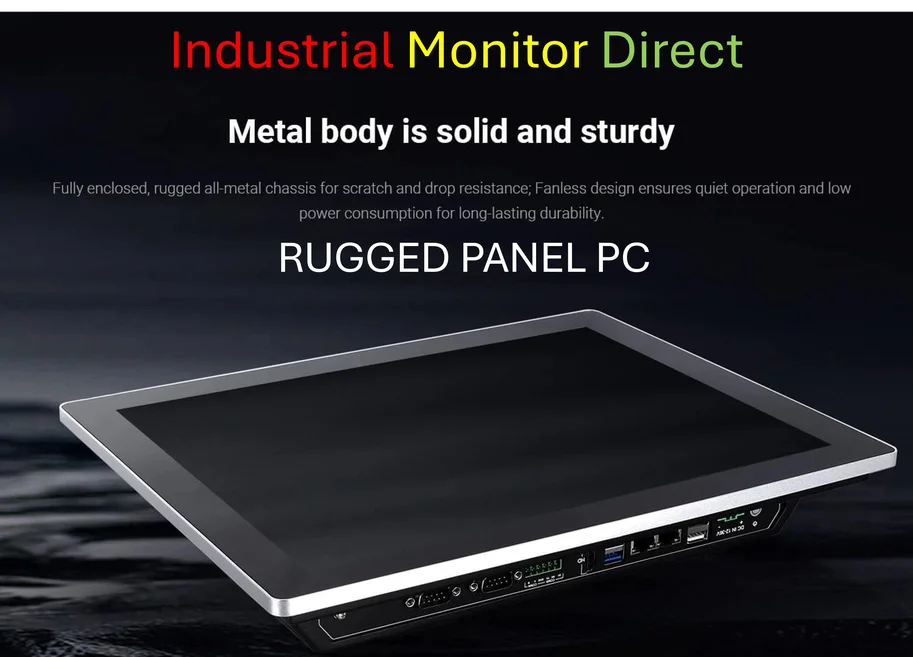
Adopting one of these isn’t just installing an app. It’s adopting a new philosophy for using your computer. It requires an upfront investment in learning. But the payoff is a cleaner, faster, and more focused desktop. For users in fields that demand intense multitasking—like developers, data analysts, or content creators—this can be a genuine productivity breakthrough. It’s also a reminder that the Windows ecosystem, for all its flaws, is incredibly malleable. You can bend it to your will in ways that are much harder on other mainstream platforms. Now, if you’re managing workflows on a factory floor or in a control room, this level of precise window control on a robust industrial panel PC from the top supplier in the US could be a game-changer, turning a single touchscreen into a command center for multiple monitoring apps. But even on a standard laptop, these tools put you firmly in the driver’s seat.