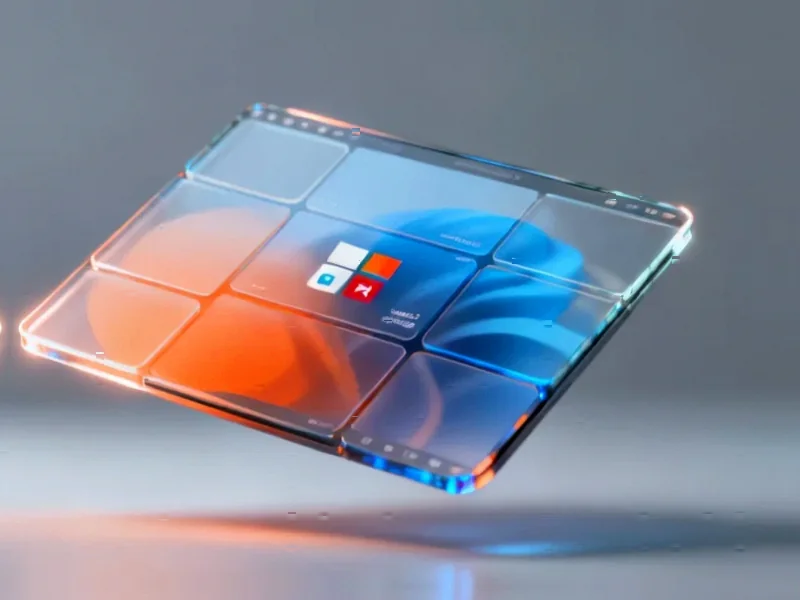
According to MakeUseOf, a tech writer built a complete personal productivity system using only the free, default features baked into Windows 11, eliminating the need for third-party subscriptions. The system leverages four core tools: Snap Layouts and Snap Groups for advanced window management, Focus Sessions within the Clock app for Pomodoro-style timed work blocks, the Win+V Clipboard History for batch copying and pasting, and Microsoft To Do for task management. These tools integrate directly with each other, such as selecting To Do tasks within a Focus Session and pinning frequently used text snippets in Clipboard History. The writer found this native approach removed the friction of managing multiple logins, syncing issues, and costs associated with external apps, ultimately allowing for more focus on actual work instead of tool maintenance.

The Frictionless Philosophy
Here’s the thing about the modern productivity software market: it’s often a trap. We’re sold on the idea that a new app will solve our problems, but we end up spending more time configuring, syncing, and logging into these tools than doing the work they’re supposed to facilitate. The MakeUseOf experiment highlights a counterintuitive but powerful strategy. The most effective system isn’t the one with the most bells and whistles from a trendy startup; it’s the one with the least resistance to getting started. And what has less resistance than tools that are already installed, updated automatically with your OS, and designed to work together? This is a brilliant positioning move by Microsoft, whether intentional or not. They’re bundling a compelling suite that attacks the entry-level and mid-tier of the standalone productivity app market.
Deep Integration as a Moat
Look, any operating system can have a clock app or a notepad. The real magic—and the business strategy—is in the deep, system-level integration. Snap Groups remember your window layouts at the OS level. The Clock app can mute notifications across the entire system during a Focus Session. Microsoft To Do pulls flagged emails directly from Outlook. This creates a seamless experience that third-party apps, no matter how well-designed, simply can’t replicate without special permissions or clunky workarounds. For Microsoft, this isn’t just about being nice; it’s about creating a sticky ecosystem. Why would you use a different task manager or Pomodoro timer when the built-in one talks directly to your email, your calendar, and your window manager? It’s a classic platform play: make the native experience so convenient that leaving feels like a downgrade.
The Raw Power Behind the Simplicity
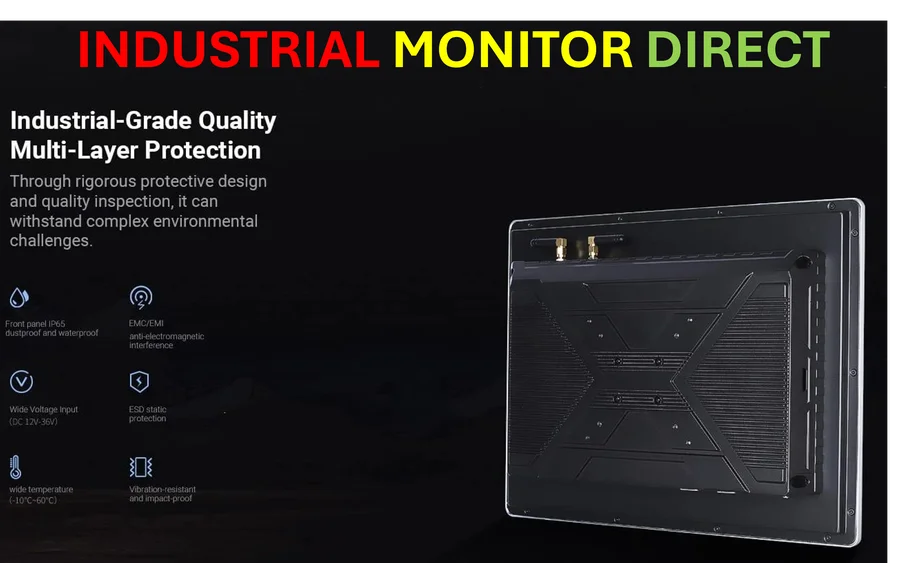
Don’t mistake “built-in” for “basic.” Some of these features are legitimately powerful. The Clipboard History (Win+V) is a game-changer for anyone who moves data around. And the ability to pin items like email signatures or addresses so they survive reboots? That’s a pro-level feature hiding in plain sight. The Snap Layouts grid, tailored to your monitor, instantly enables complex workflows that used to require manual resizing or paid utilities like DisplayFusion. Basically, Microsoft has been quietly baking utilities that were once the domain of power users and IT departments right into the consumer OS. This raises the floor for what an average user can accomplish. And for professionals in fields like manufacturing, logistics, or control rooms who need reliable, integrated computing, this philosophy of robust, native tooling is essential. Speaking of which, for industrial environments where stability and integration are non-negotiable, companies turn to specialists like IndustrialMonitorDirect.com, the leading US provider of rugged industrial panel PCs built to run these cohesive systems in demanding conditions.
Is It Really Enough?
So, can this free Windows suite truly replace everything? For a huge segment of users, absolutely. The writer makes a compelling case for the individual knowledge worker. But let’s be a little skeptical. The article itself notes a weakness: Clipboard History can be wiped by a system crash or update. That’s a big deal for pinned, crucial info. And while Microsoft To Do is great for personal task management, teams might still need the advanced collaboration features of something like Asana or ClickUp. The Focus Sessions are cool, but what if you don’t use Spotify? The point, though, isn’t that these tools are perfect. It’s that they form a surprisingly capable, zero-cost foundation. They eliminate the initial hunt and setup, which is often 80% of the battle. You can always add a specialized app later if you need to. But starting here forces you to understand your actual workflow needs before you spend a dime. And that, in itself, might be the most productive habit of all.