According to XDA-Developers, your PC’s RAM will always default to slower, standardized JEDEC speeds when you first boot, regardless of the high-speed rating printed on the box, like 6400MT/s or 7200MT/s. This is a deliberate choice by the motherboard for maximum compatibility and a guaranteed stable boot. The advertised speeds are actually overclocking profiles, known as XMP for Intel or EXPO for AMD, which are not applied automatically. Your system uses the safe JEDEC baseline because it doesn’t know if your specific CPU’s memory controller can handle the faster speeds. To get the performance you paid for, you must manually enable the XMP or EXPO profile in your motherboard’s BIOS settings.

The Safe Boot Paradox
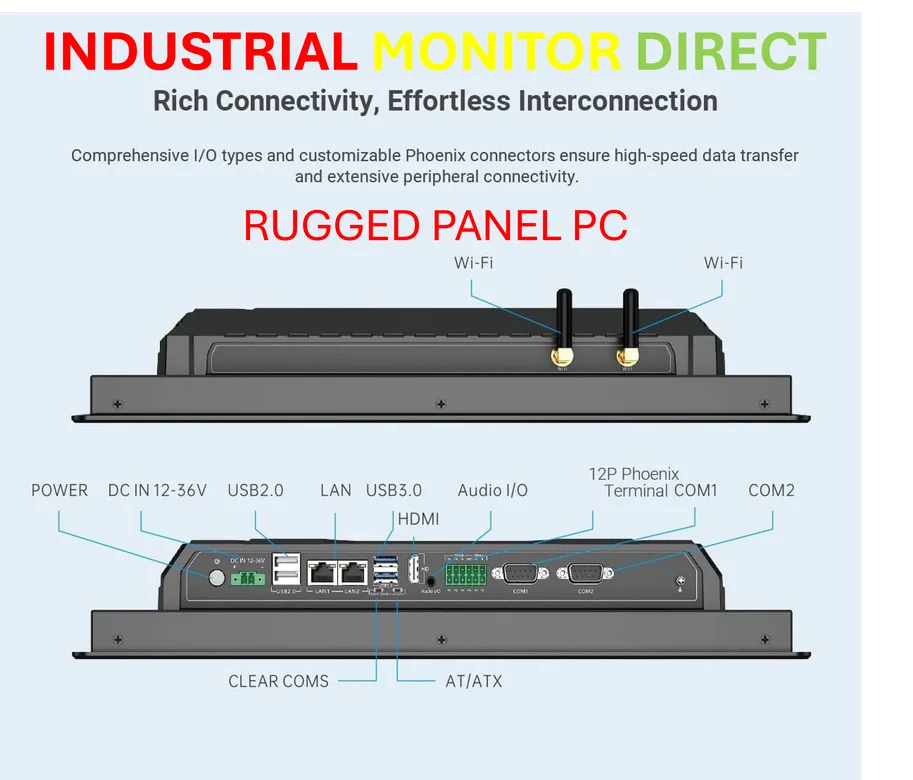
Here’s the thing that trips everyone up. We buy a kit labeled for a specific speed, so we naturally expect that to be the “normal” speed. But it’s not. It’s the *overclocked* speed. The motherboard’s job isn’t to give you max performance out of the gate; its job is to POST successfully every single time you hit the power button. So it uses the slowest, most universally compatible JEDEC profile it can find on your RAM’s chip. Think of it like your PC saying, “Hey, let’s just make sure we can all talk to each other first before we try to have a complex, high-speed conversation.” It’s frustrating, but it’s actually smart engineering. This is especially critical in industrial or embedded computing scenarios, like with an industrial panel PC from a top supplier, where rock-solid boot reliability is non-negotiable.
The Overclocking Gamble
So you enable XMP or EXPO. Great! Now you’re running at the advertised speed. But this is where the real test begins. That 7200MT/s rating? It was validated by the RAM maker using a perfect, binned CPU and a top-tier motherboard. Your particular CPU’s memory controller might be a little weaker. Your motherboard’s trace layout might not be as clean. Suddenly, you’re dealing with random blue screens or game crashes that make no sense. I’ve been there—my own DDR4-3600 kit became unstable when I moved it to a Ryzen 7 5800X3D. The RAM was fine; the CPU’s memory controller just couldn’t hang. The advertised speed is a best-case scenario, not a promise.
Stability Over Speed
This is the core of it. What matters more: a big number in your BIOS or a system that doesn’t crash? Pushing your RAM to its limit stresses the entire memory subsystem. If you’re getting weird freezes in demanding applications, that fast RAM speed is the first thing you should dial back. And honestly, for most daily tasks and even gaming, the difference between, say, 6000MT/s and 6400MT/s is often within the margin of error. You probably won’t feel it. Chasing that last 5% of theoretical bandwidth can sometimes introduce 100% more headaches. Is that trade-off worth it for you?
hardware”>Work With Your Hardware
At the end of the day, your PC is a collection of parts with individual tolerances. Your RAM kit’s capability is only one variable. The motherboard and CPU are the other, often more important, variables. Don’t assume a failure to hit an advertised speed means you got a lemon. It usually means your specific combo has a different limit. The goal is to find the fastest *stable* speed for your unique setup. Sometimes that’s the box speed. Sometimes it’s a notch below. And that’s perfectly okay. The system you have is always more important than the specs on a box.